Free
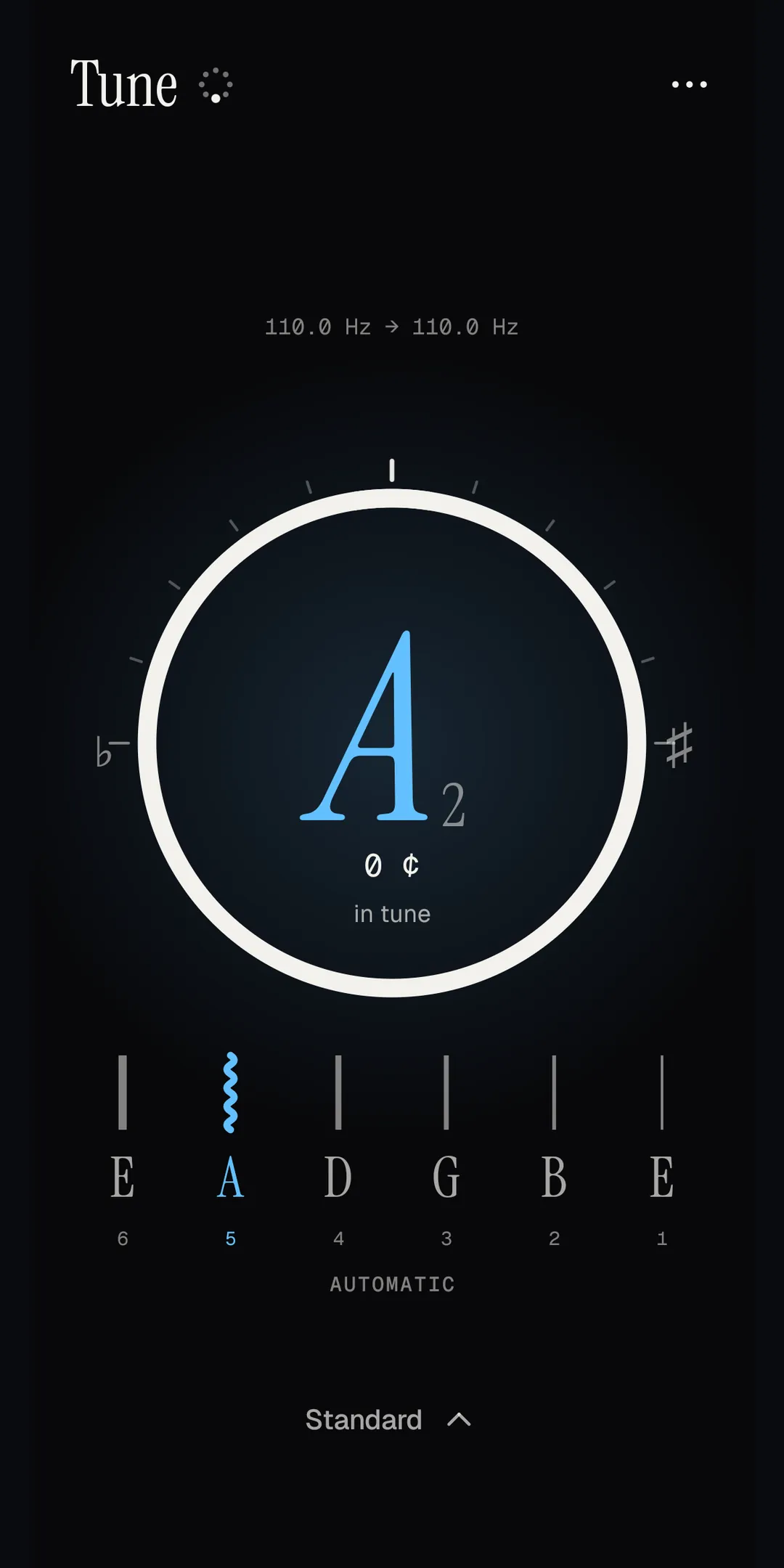
- Tuning every instrument, in any tuning
- The metronome and its drums
- Play, Loop and recording
- The theory reference and the first lesson of each set
- One banner, only on the tool page
 waffle
 waffle
Tune nine instruments, keep time, learn theory, practise with an app that listens, record, mix and loop. All of it on your phone, nothing uploaded.
Free with one ad · waffle Pro: one payment, no subscription
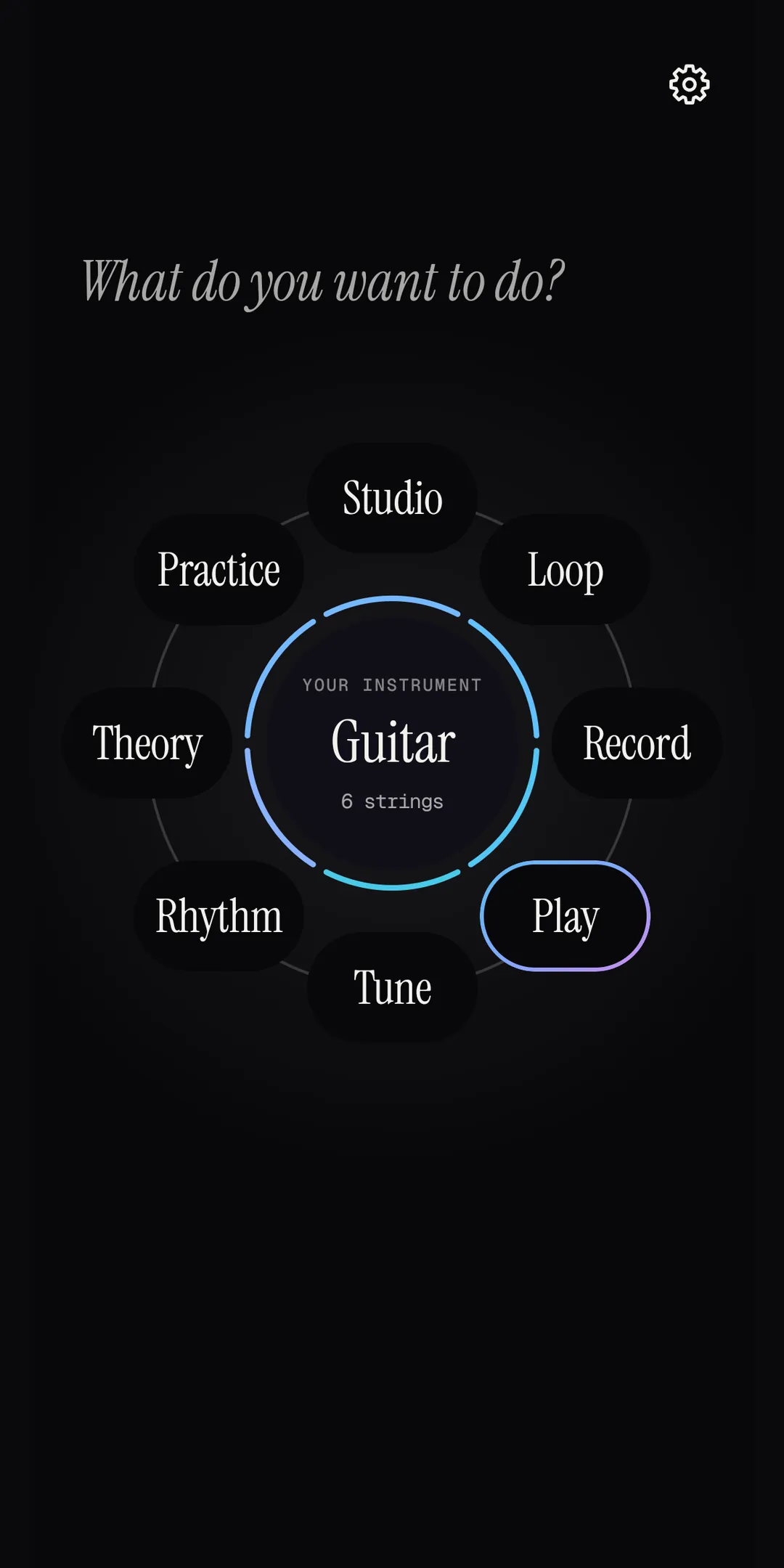
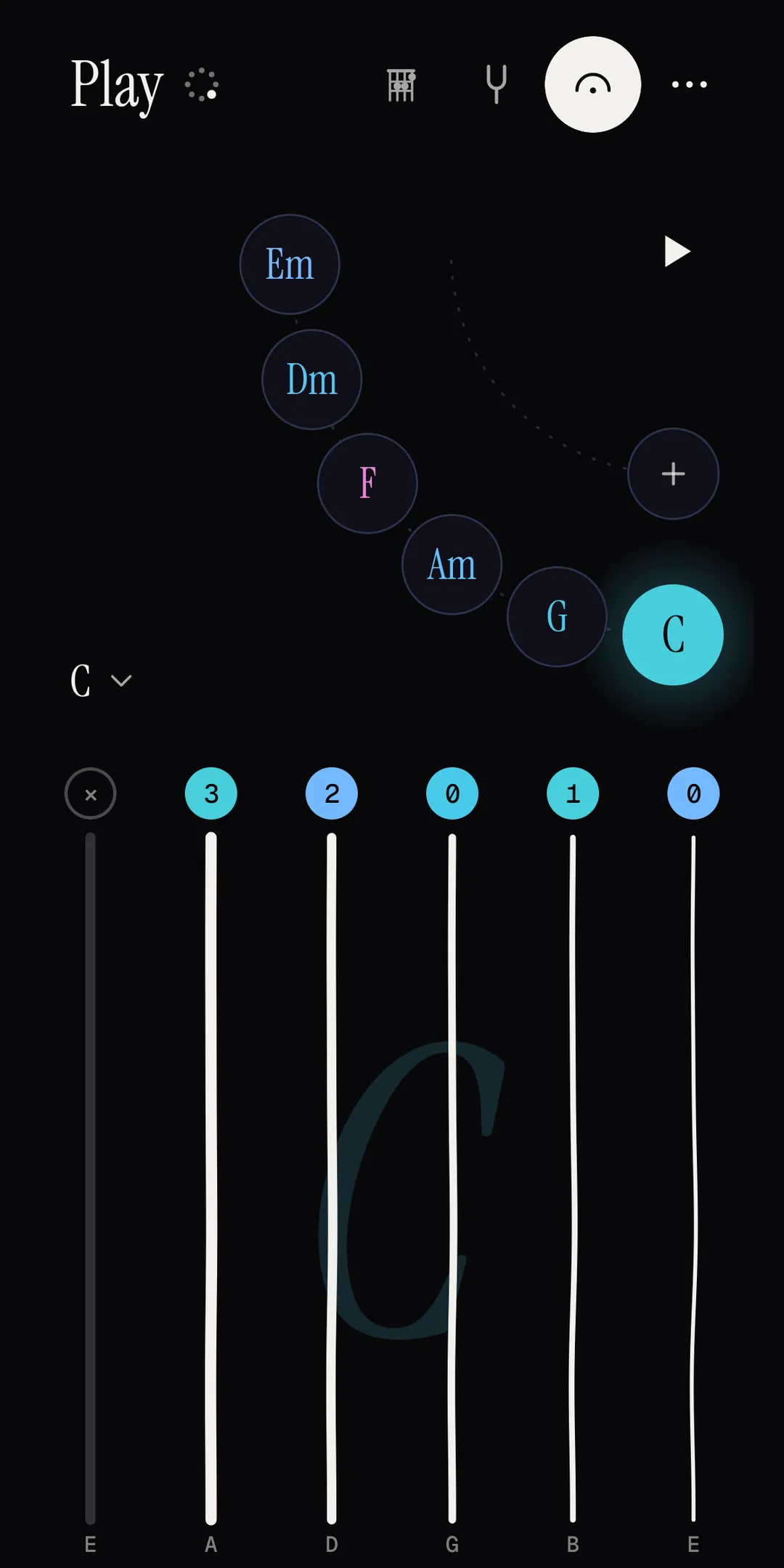
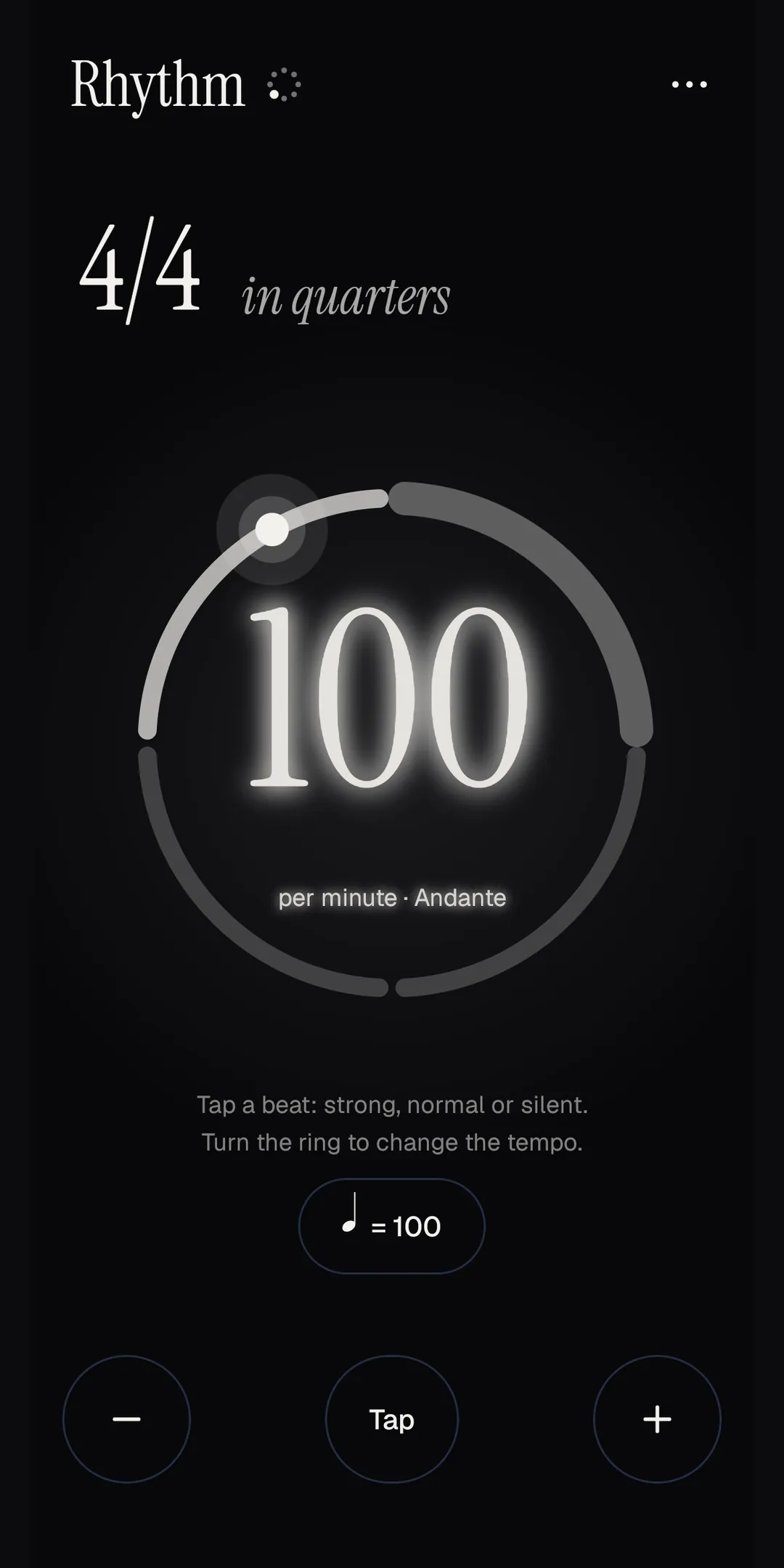
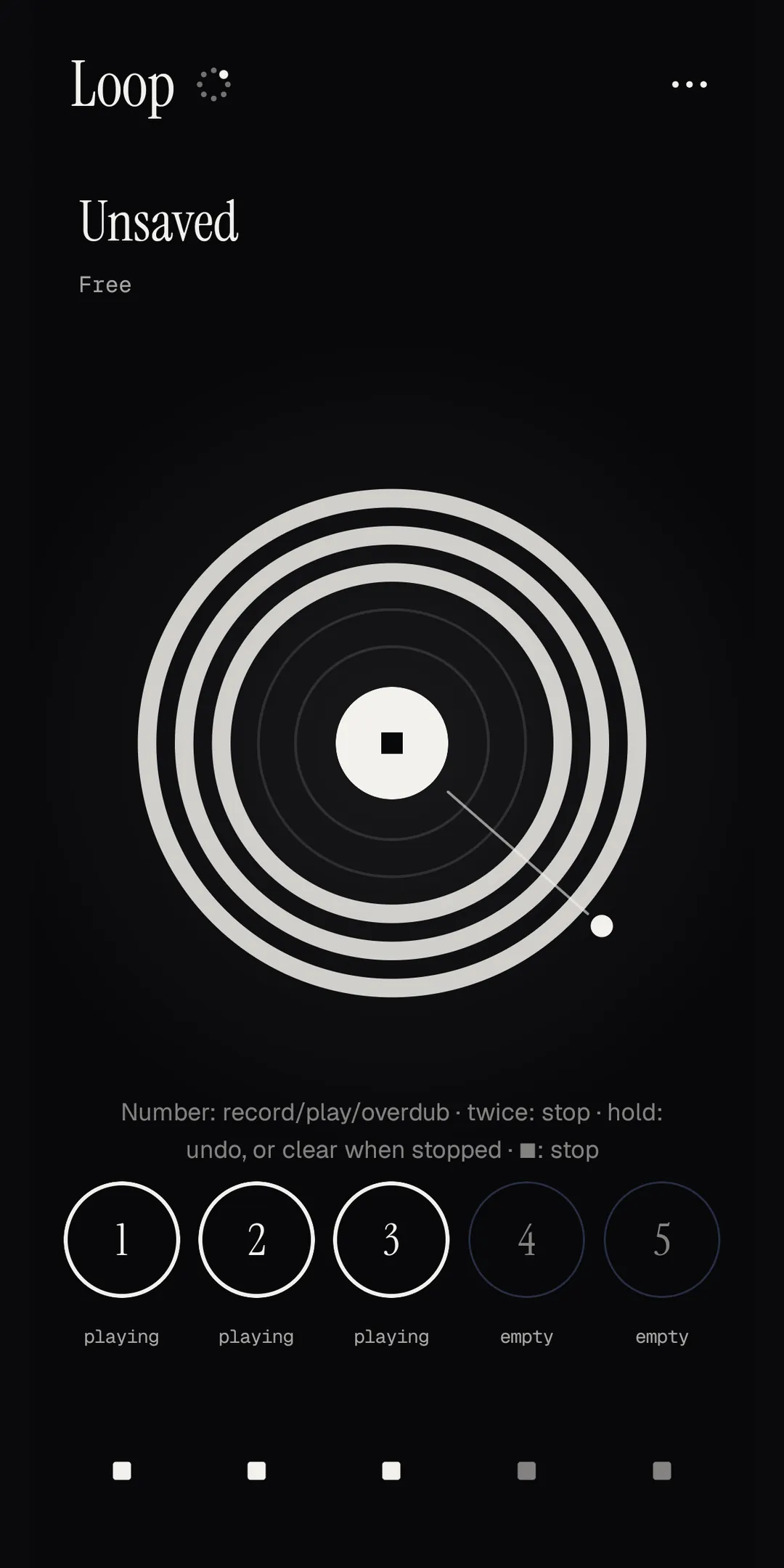
Pick your instrument once. Every tool follows it.
Guitar, bass, ukulele, violin, viola, banjo, mandolin, piano and drums, in any tuning.
A metronome with accents, subdivisions and its own drums.
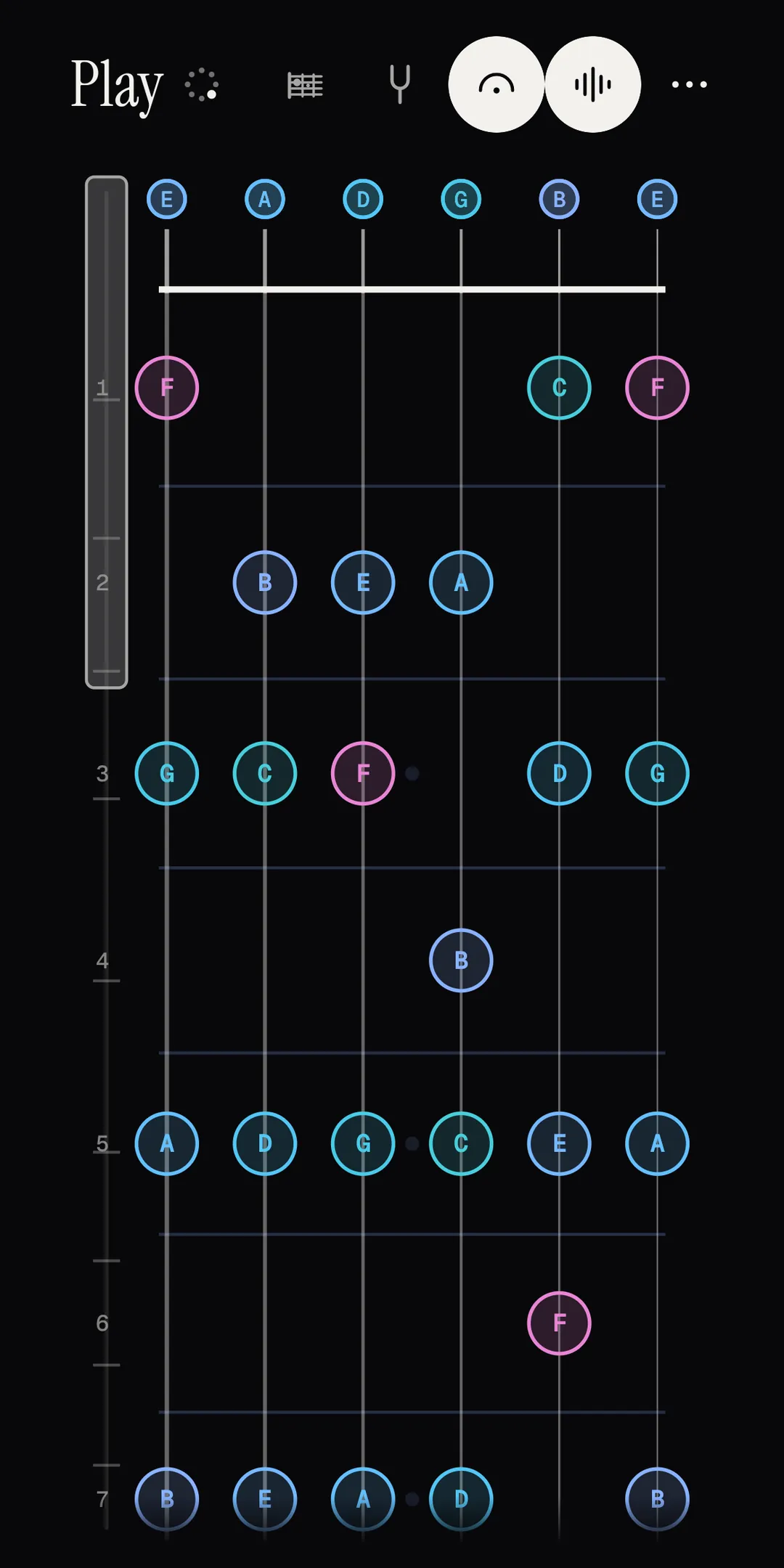
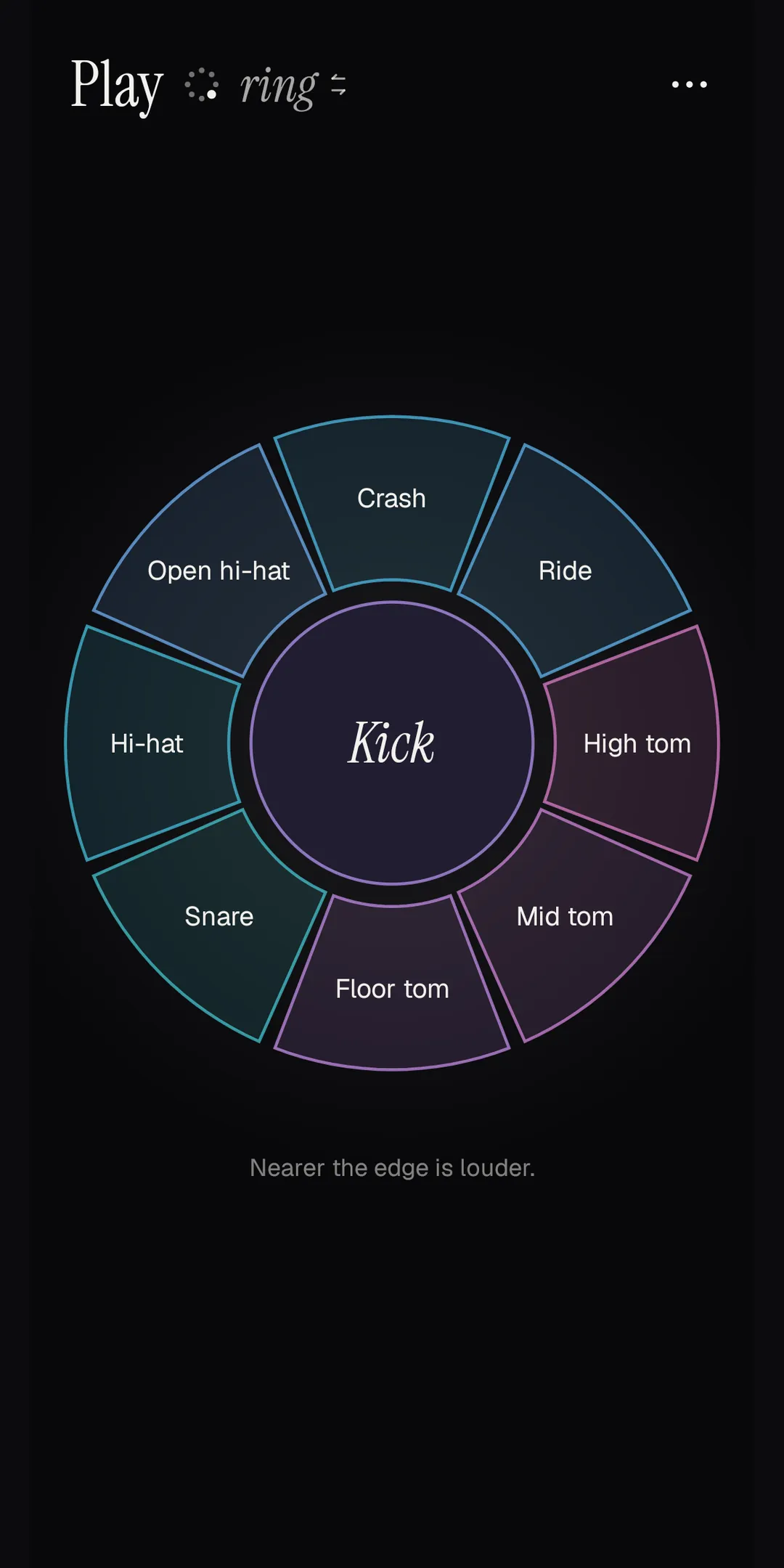
Chords, the fretboard, piano and drums to play on screen.
Scales, chords and lessons in harmony, reading and drums.
Play along: waffle listens and scores every note.
Clear takes, ready to trim, enhance and share.
Record track over track and mix them.
A loop station you play like a pedal.
One payment. Yours for good.
Questions, problems or ideas: write to us and we will answer.
wafflefeedback@gmail.comOpen Settings › About › waffle free and tap Restore purchase, signed in with the same store account you bought it with.
Tuning, Practice, recording and Loop need the microphone. Tap the tool again to be asked, or allow it in your device's settings:
On Android: Settings › Apps › waffle › Permissions › Microphone.
On iPhone and iPad: Settings › waffle › Microphone.
Buy waffle Pro once. The banner goes away on every device that uses the same store account.
Purchases on Google Play are refunded by Google under its policies: request a refund on Google Play.
Purchases on the App Store are refunded by Apple: reportaproblem.apple.com.
waffle has no accounts and keeps nothing on our side: everything is on your device.
On Android: Settings › Apps › waffle › Storage › Clear storage, or uninstall the app.
On iPhone and iPad: delete the app, which removes its data.